
Google AdSense Approval Guide: How to Get Approved Fast in 2026
Google AdSense Approval Guide: How to Get Approved Fast in 2026
 majdialqasim
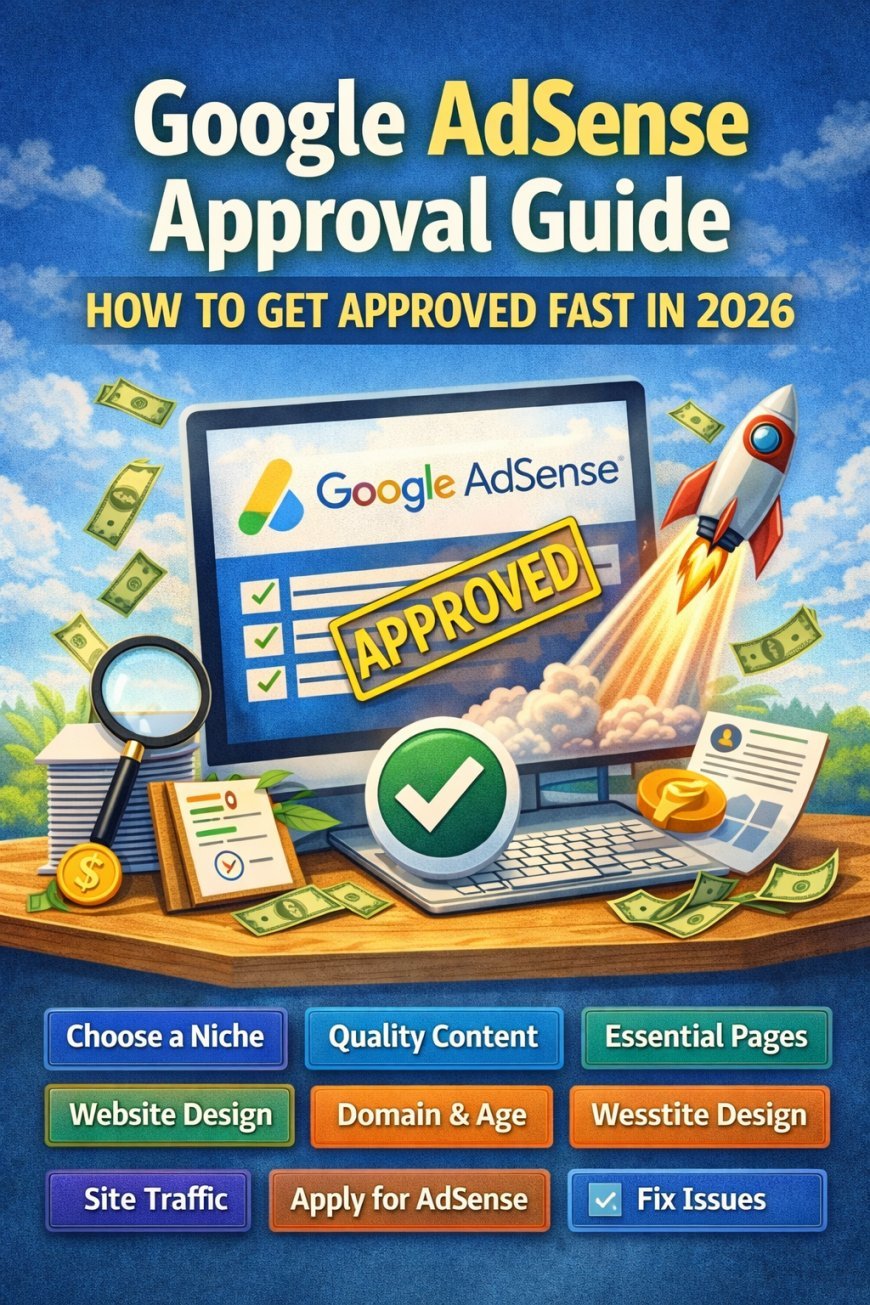
Getting approved by Google AdSense can feel tricky, but with the right strategy, it’s completely achievable. In this guide, we’ll walk you through step-by-step tips to get your website approved quickly.
Step 1: Choose a Niche



Google prefers niche-focused websites with consistent content. A website that focuses on one topic performs better in search results and has a higher chance of AdSense approval.
Good niches for AdSense:
-
Technology & Gadgets
-
Personal Finance
-
Health & Fitness
-
Online Education
-
Blogging & Online Business
Choosing a profitable niche helps you attract the right audience and generate better ad revenue.
Step 2: Create Quality Content


Quality content is the most important factor for AdSense approval.
Content guidelines:
-
Publish 10–20 original articles
-
Minimum 500 words per post
-
Avoid copied or spun content
-
Include helpful images, videos, or infographics
Google prioritizes websites that provide useful information to users.
Step 3: Build Essential Pages

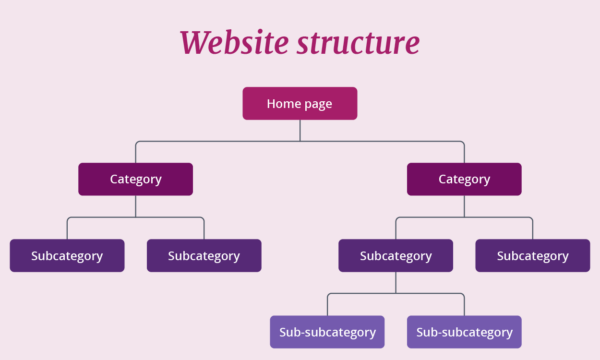
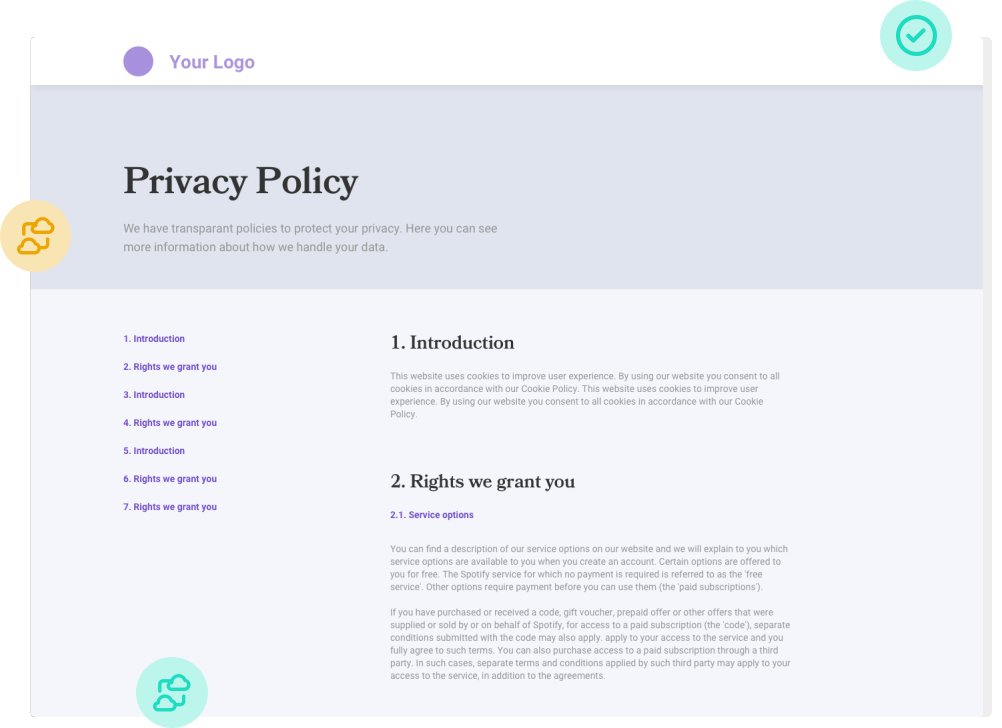
Google requires your website to have certain pages to build trust and transparency.
Required pages:
-
About Us – Show your site’s purpose
-
Contact Page – Include email or contact form
-
Privacy Policy – Mandatory for AdSense
-
Terms & Conditions – Recommended for trust
These pages help demonstrate that your site is professional and legitimate.
Step 4: Website Design & Navigation


Your website design should be simple, professional, and user-friendly.
Best practices:
-
Use a clean and responsive design (mobile-friendly)
-
Avoid broken links and errors
-
Make menus simple and easy to navigate
-
Avoid excessive pop-ups and ads before approval
A good design improves user experience and SEO ranking.
Step 5: Domain & Age Requirements


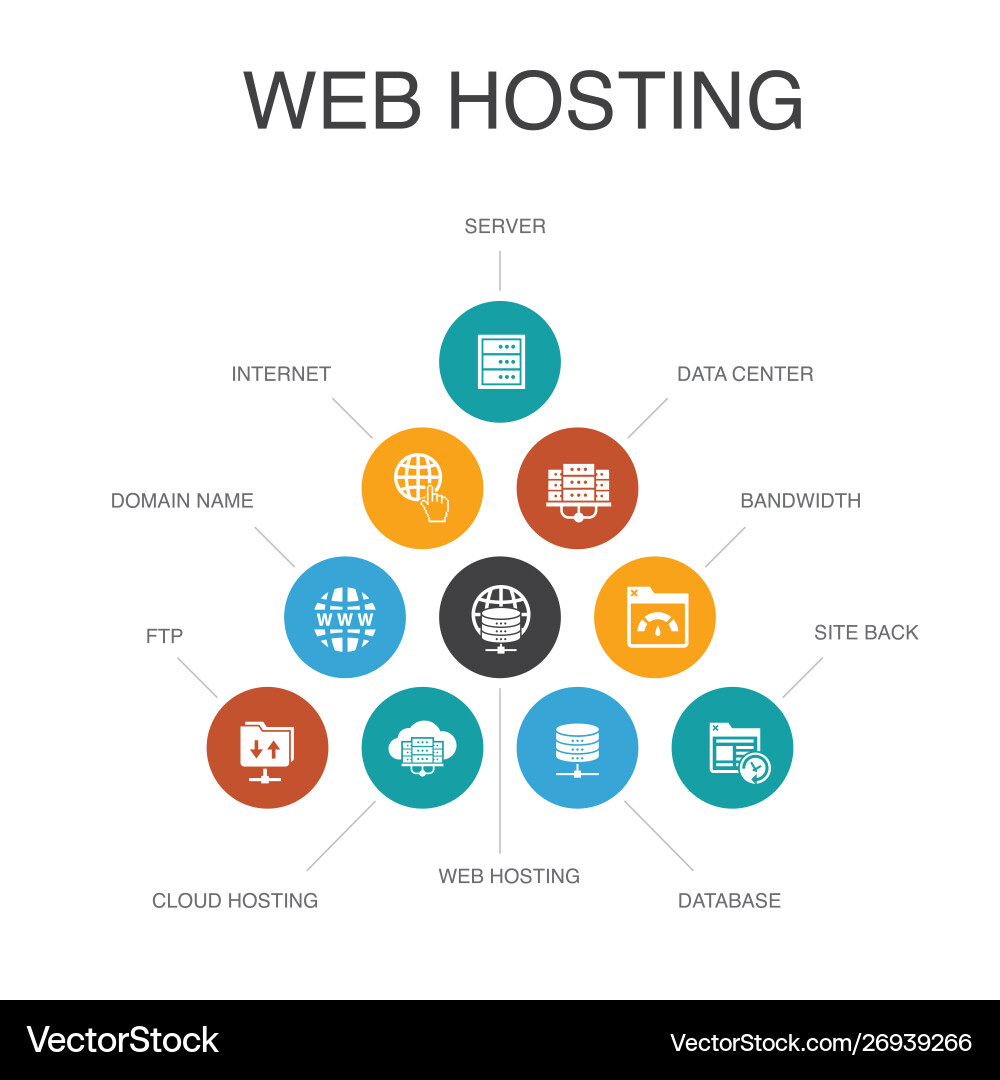
Using a custom domain name improves credibility.
Recommended practices:
-
Use a top-level domain (.com, .net, .org)
-
Google prefers websites at least 6 months old in some regions
-
Avoid free subdomains when possible
A professional domain makes your site look more trustworthy.
recommended : 🚀 Start Your Website with Hostinger
Step 6: Traffic & User Engagement


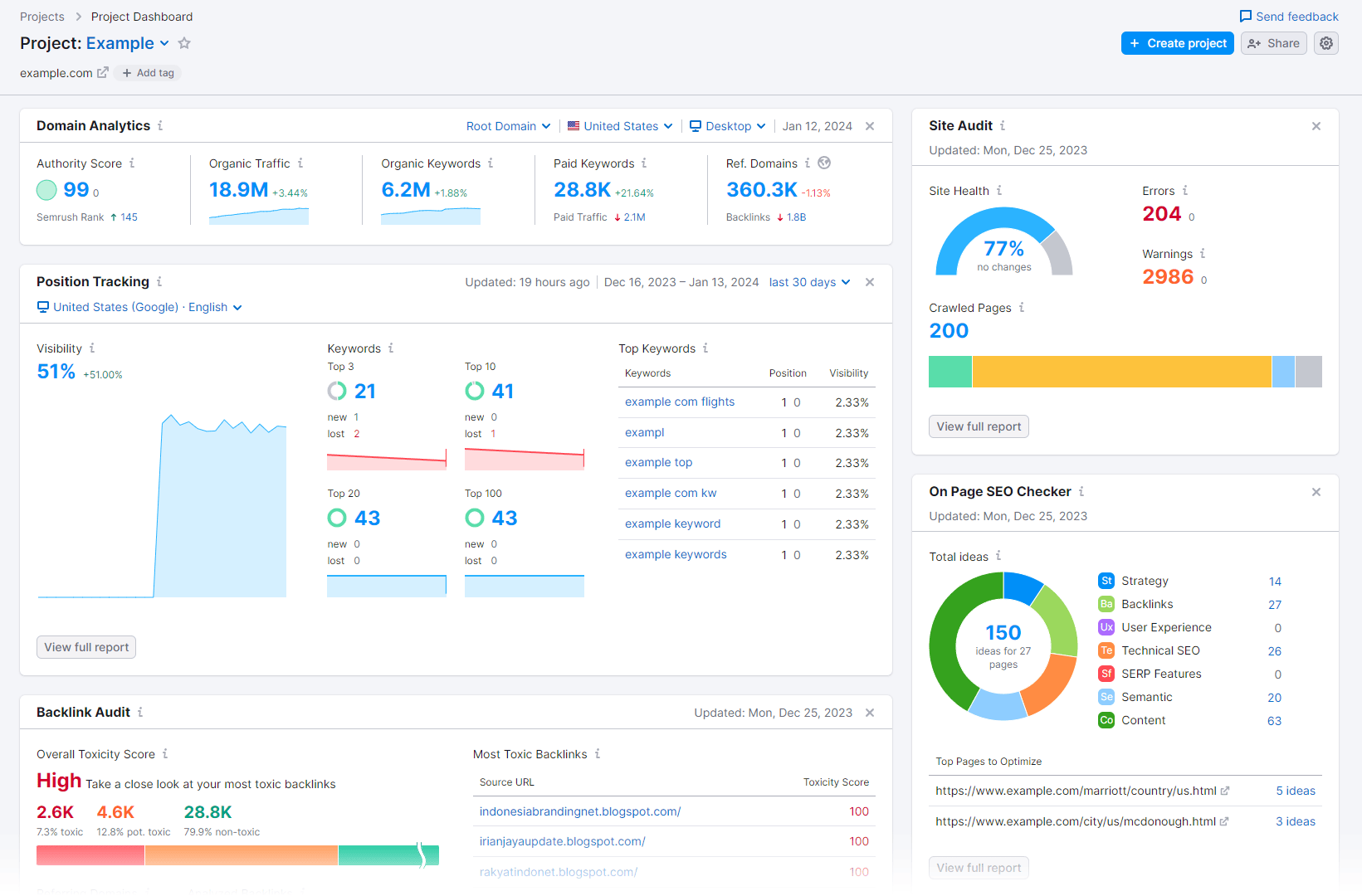
Google doesn’t require a specific amount of traffic, but organic visitors improve approval chances.
Tips:
-
Share posts on social media platforms
-
Post in communities and forums
-
Focus on SEO traffic from Google
-
Avoid artificial traffic from bots
Real users show Google that your website has value and engagement.
Step 7: Apply for AdSense

Once your website is ready, you can apply for Google AdSense.
Steps:
-
Sign up for AdSense
-
Add the verification code to your website
-
Wait for review (usually 1–2 weeks)
-
Check your email for approval or rejection
Step 8: Fix Common Rejection Issues

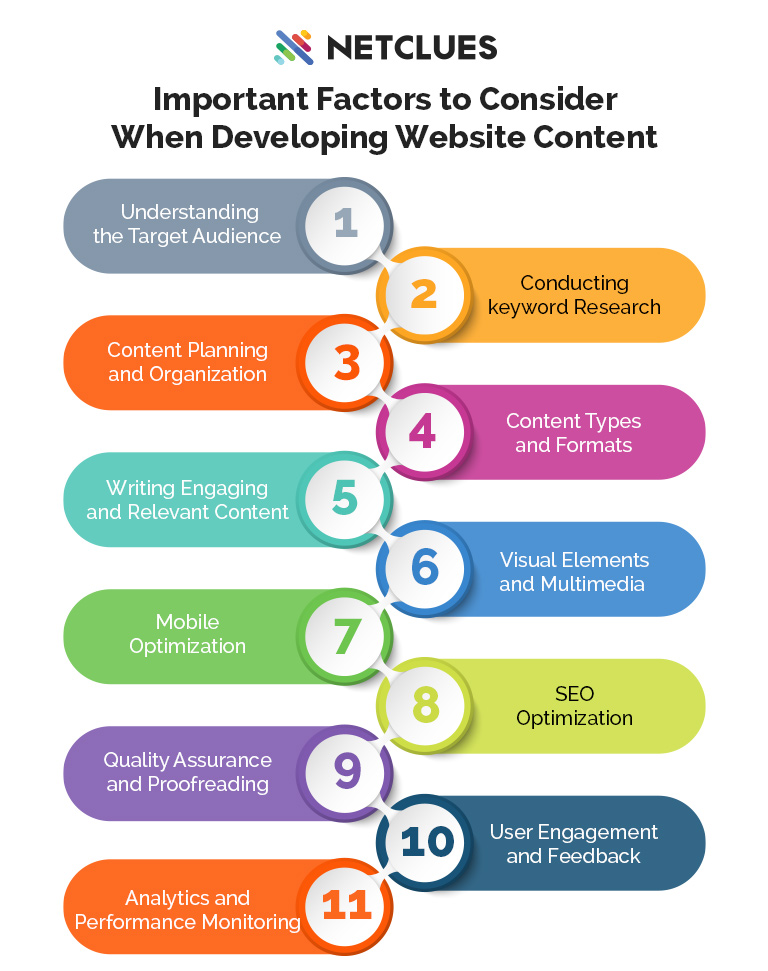
If your application is rejected, check these common problems:
-
Low-quality or duplicate content
-
Insufficient content (fewer than 10 posts)
-
Poor website design
-
Policy violations (adult content or copyright issues)
Fix the issues and reapply for AdSense.
✅ Pro Tip:
Websites with 20+ high-quality articles, good design, and essential pages usually get AdSense approval faster.
Pro Tips for Faster Approval
-
Focus on high-quality, original content
-
Avoid too many ads before approval
-
Keep site navigation simple and professional
-
Use HTTPS (SSL certificate)
-
Make the site mobile-friendly
Final Advice
By following this step-by-step AdSense approval guide, you can dramatically increase your chances of getting accepted.
Remember: patience and quality matter most. Once approved, you can start monetizing your site and earning a passive income online.